Associating ThingPark Wireless devices with ThingPark X IoT Flow
You can associate a ThingPark Wireless Device with the ThingPark X Routing functionality:
- By using ThingPark Wireless UI outlined in Device Setup using the ThingPark Wireless GUI.
- By using DX-Core API as described in Using DX-Core API.
Connectivity Plan verification
Before associating a device with ThingPark X IoT Flow, verify that its connectivity plan supports the "ThingPark X Routing" functionality:
- Navigate to the detail view of your device.
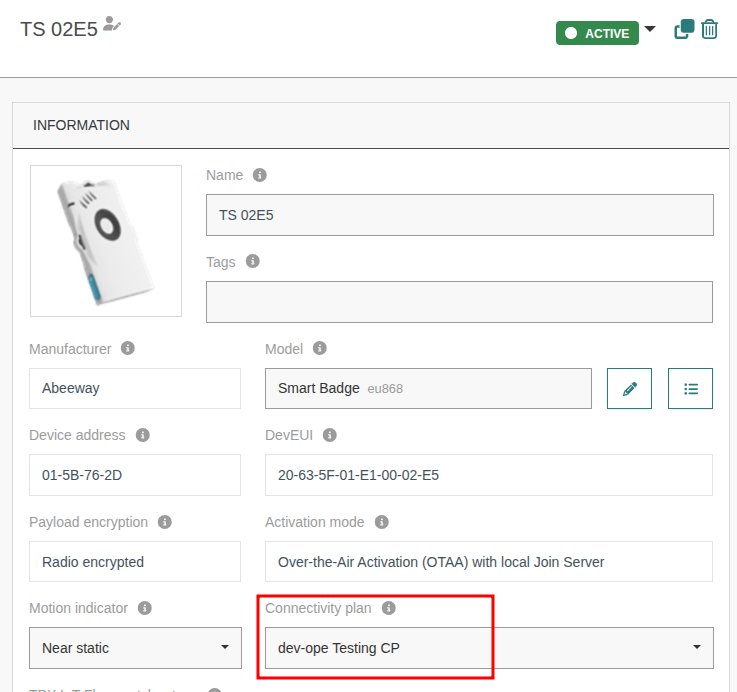
- Check the connectivity plan configured to your device.
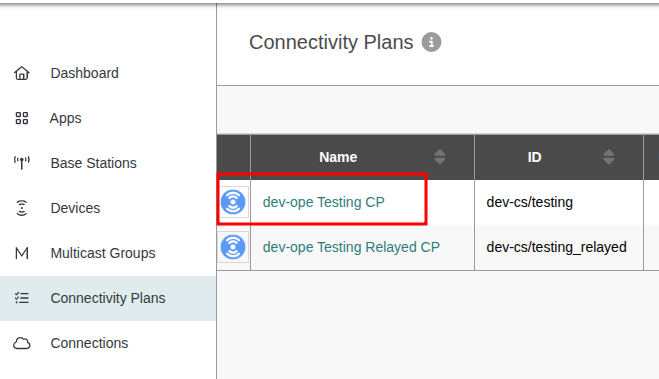
- Select the connectivity plan used by the Device.
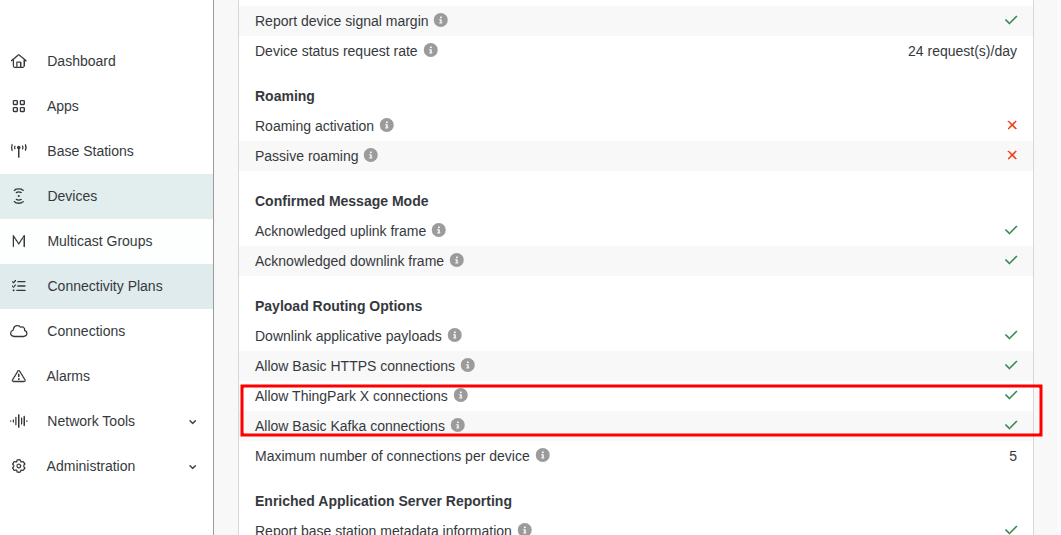
- Ensure that both ThingPark X routing and ThingPark Kafka routing are enabled. If they are not, contact your administrator to configure the connectivity plan accordingly.
Device Setup Using the ThingPark Wireless GUI
Note
The device EUI must be always in upper case.
To prepare a device for use with ThingPark X IoT Flow via the ThingPark Wireless GUI:
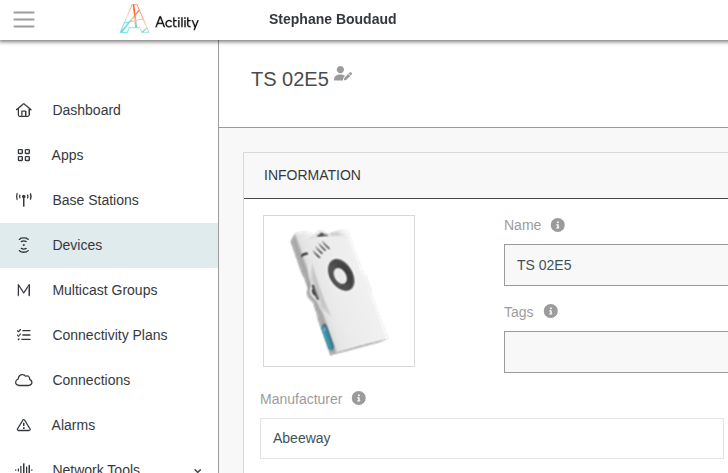
- Navigate to the detail view of your deviceDevice
- Add ThingPark X AS IOT FLOW to the Connections section of the device.
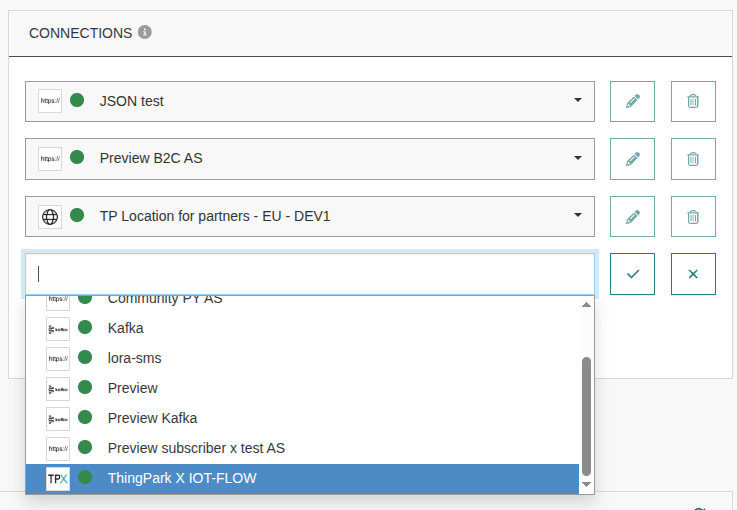
- Optionally, assign tags to the device for specific processing by ThingPark X IoT Flow, such as filtering, in TPX IoT Flow matcher tags section.

Device Setup Using DX-Core API
You can automate device creation and configuration using the DX-Core API
The DX REST API is accessible from here:
- Authenticate using your subscriber credentials and generate a token.
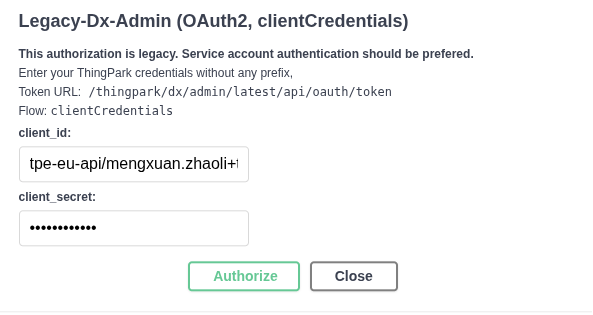
- The following example shows how to create a Device.
POST https://thingparkenterprise.eu.actility.com/thingpark/dx/core/latest/api/devices
{
  "name": "My ThingPark X Device",
  "EUI": "0018A20000099904",
  "processingStrategyId": "IOT_FLOW",
  "dataflowTags": [
    "TemperatureService",
    "MyBestCustomer"
  ],
  "activationType": "OTAA",
  "deviceProfileId": "ADRF/DemonstratorA.1_EU",
  "applicationEUI": "70B3D53260666003",
  "applicationKey": "258DB54023EA7FE3D55085F7351737D0"
}
In order to use a Device with ThingPark X IoT Flow :
processingStrategyIdmust be equal to IOT_FLOW.dataflowTags